01Memory
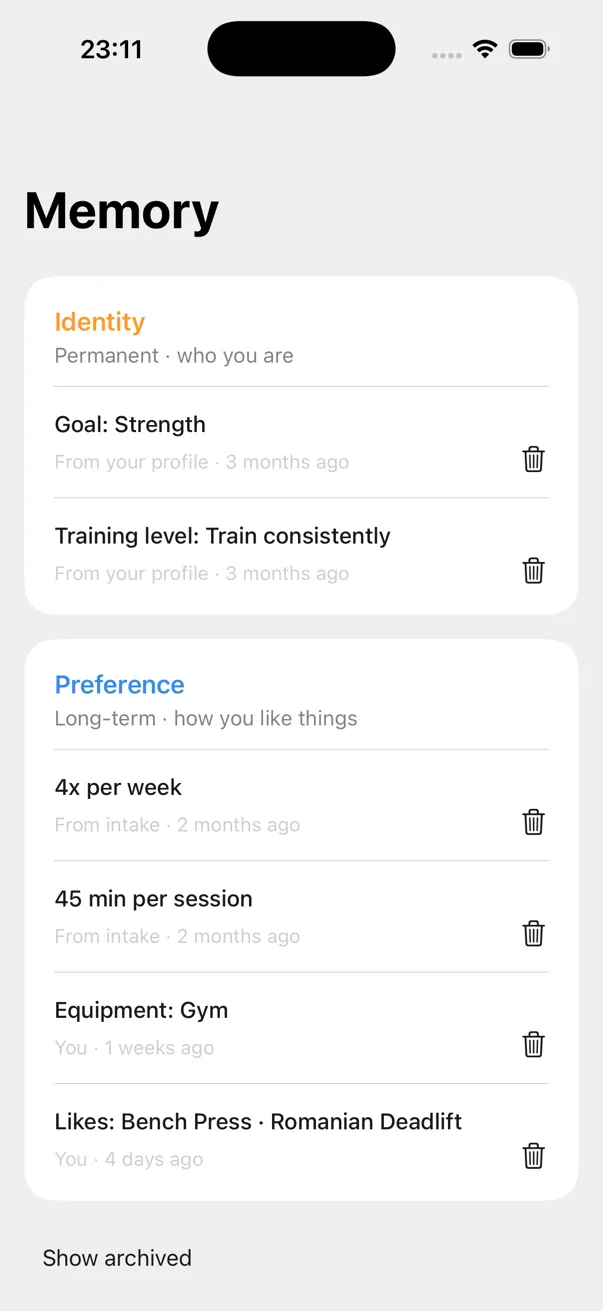
Remembers what matters
Goals, training level, schedule, equipment, and preferences stay available over time.
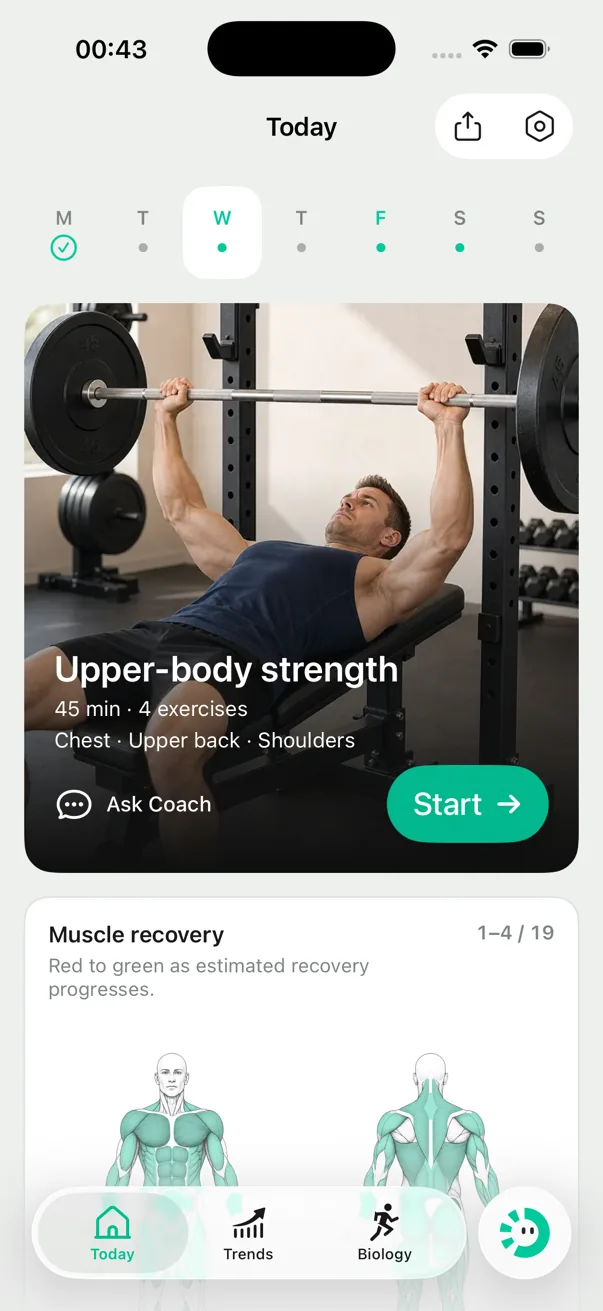
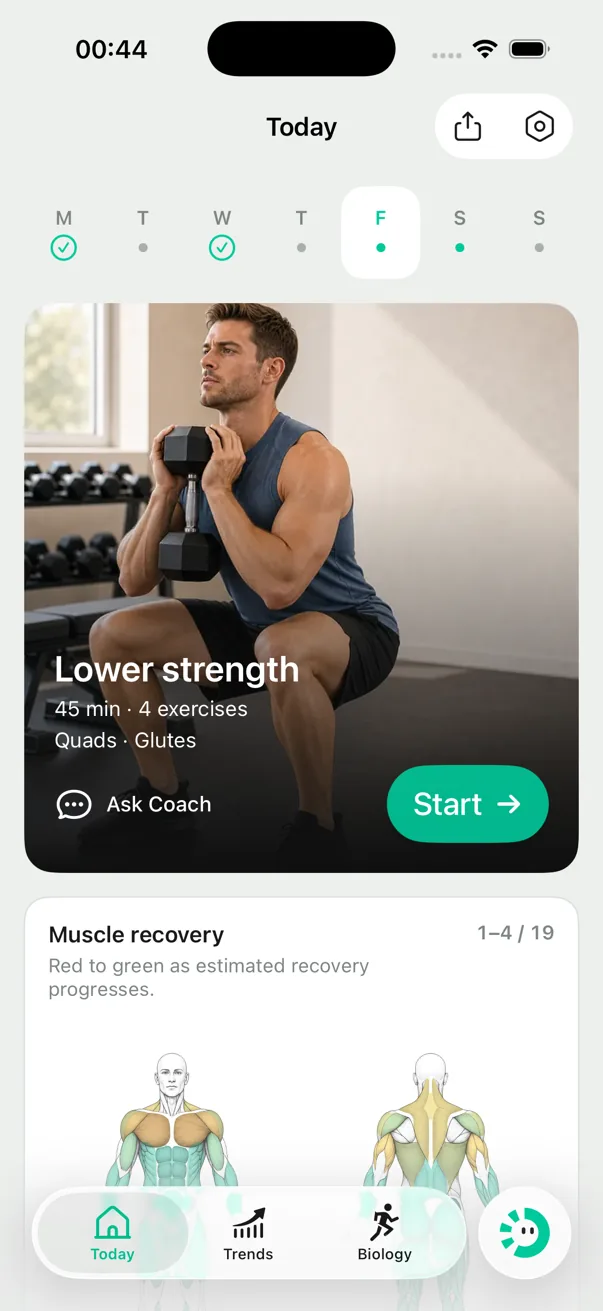
Personalized strength training
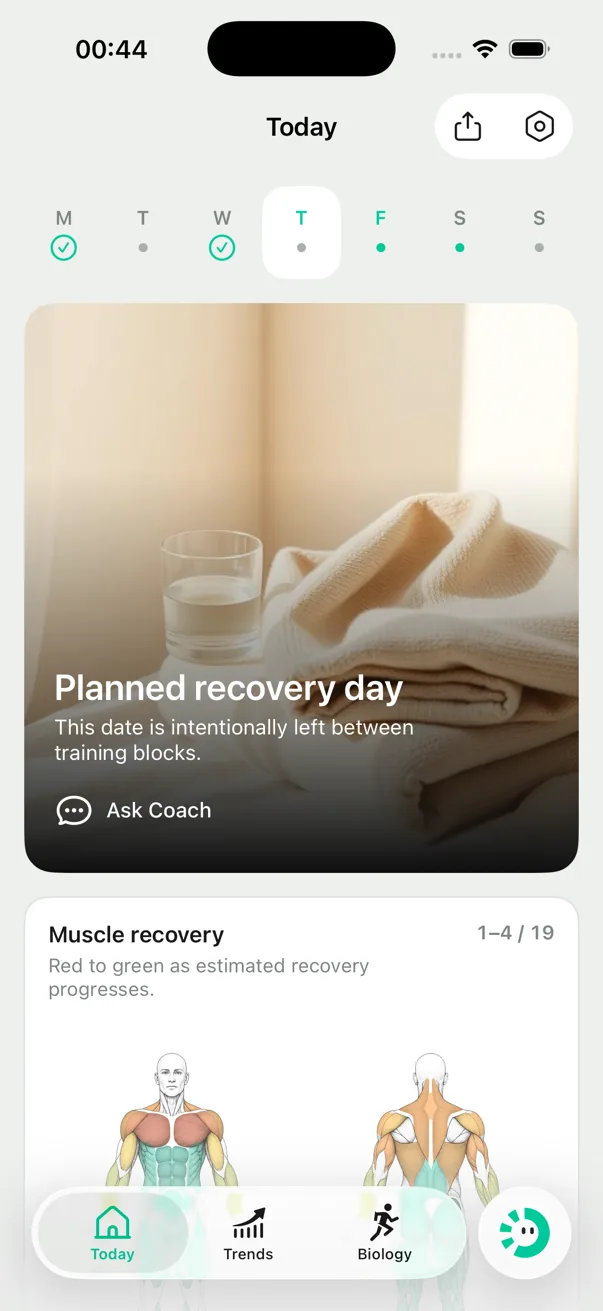
A structured strength plan, a clear workout today, and the next effective step when time, place, or schedule changes.
Available on iPhone and Apple Watch
Loved by 1,000+ people who already tried it
Your training plan
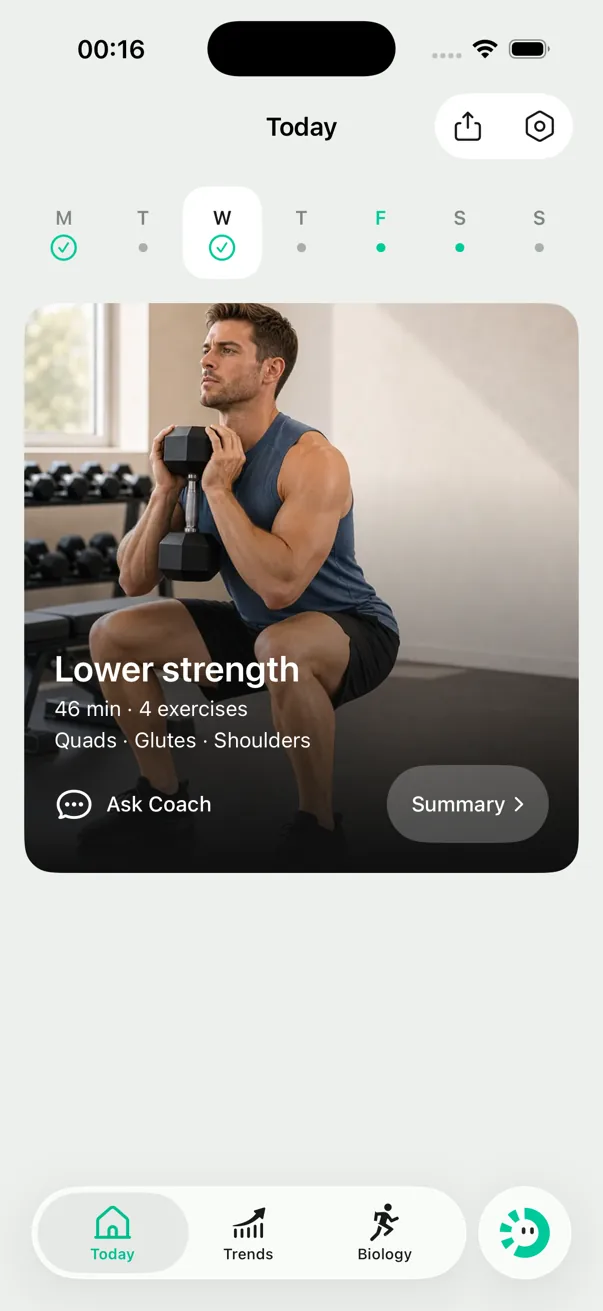
It remembers what matters, shows the week, and lets you ask why or change it.Dorsi keeps the context you have shared, turns the plan into a week you can see, and lets you ask why—or change it—without starting over.
01Memory
Goals, training level, schedule, equipment, and preferences stay available over time.
02This week
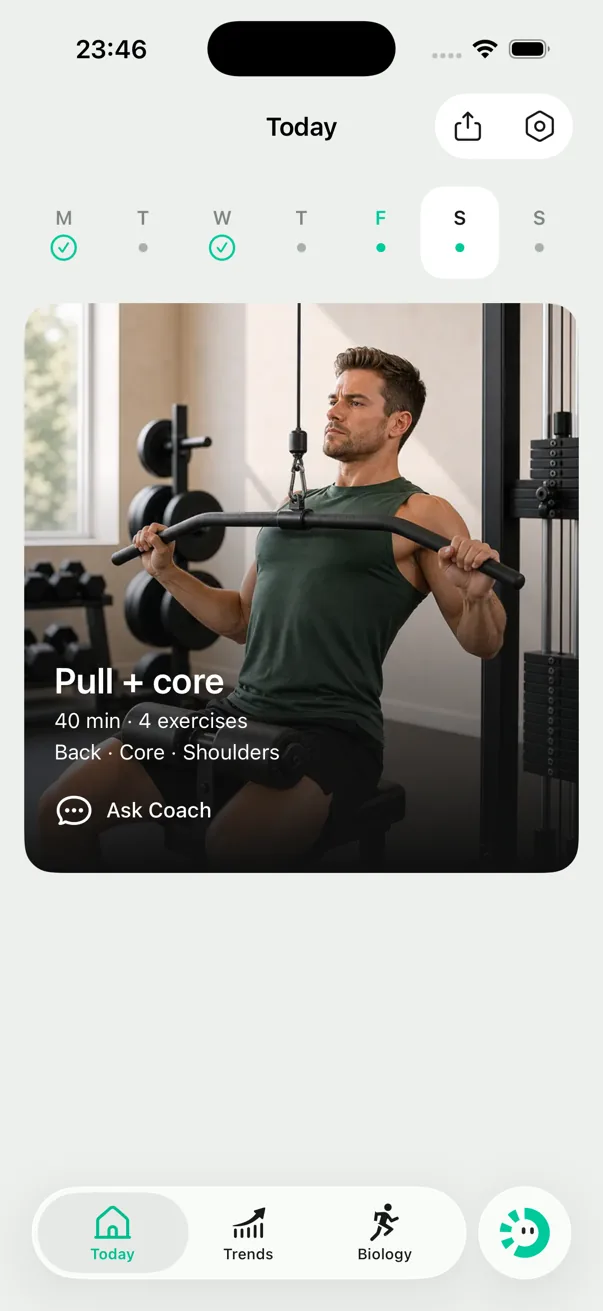
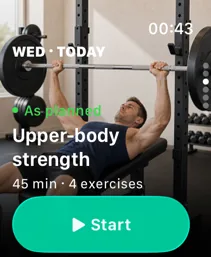
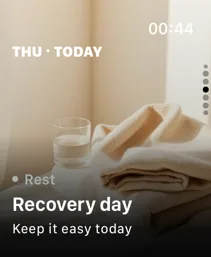
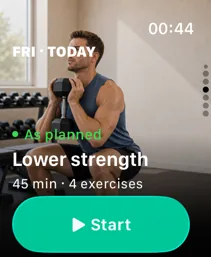
Swipe through what you completed, what is planned today, and what comes next.
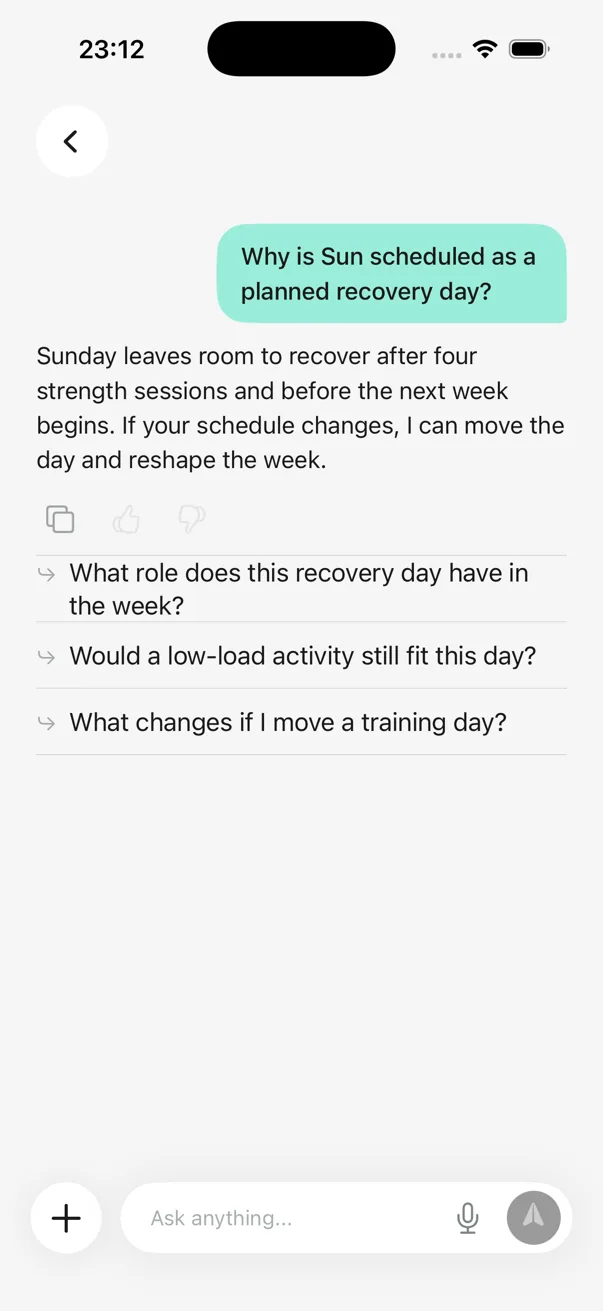
03Ask Coach
Ask why a workout or recovery day is there, then change a session or reshape the week in Coach.
When real life changes
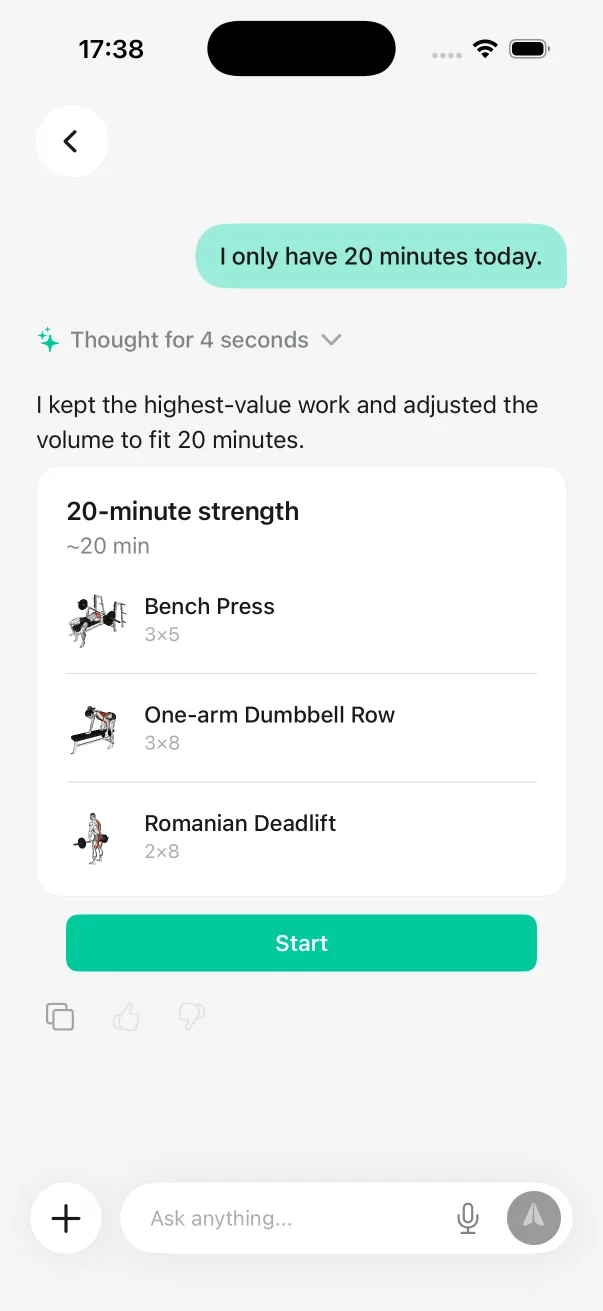
Describe what changed once. Dorsi finds an effective next step and shows what changed, what stayed, and what it means for the week.Short on time, at a different gym, or back after a break? Tell Dorsi what changed. It considers what you’ve already done, finds an effective next step, and shows how it fits the rest of your week.
Interactive app preview
01 / 04
Your adjusted workout
20 min · 3 movements
Kept
Main strength work
Changed
Lower-priority volume
Plan impact:Priority strength work stays in this week
Built into the training
The smaller details matter when they remove friction, connect more of your training, and help make the next decision clearer.
Leave the phone in your bag.
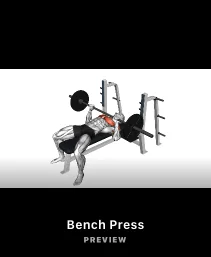
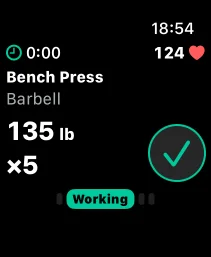
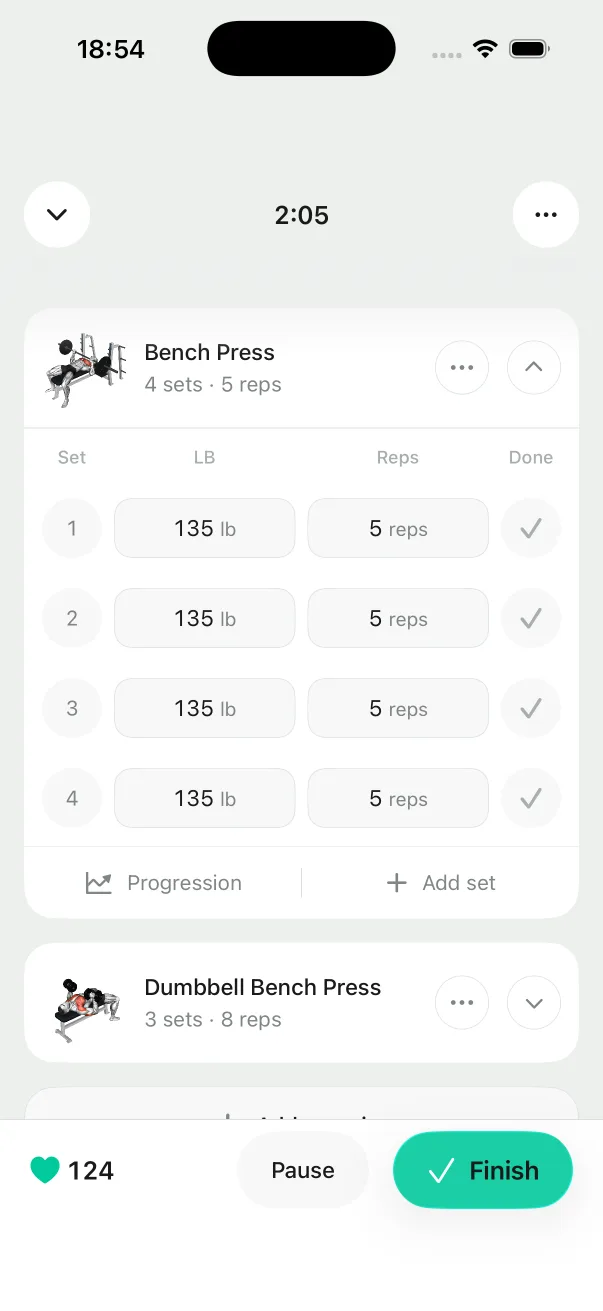
Preview movements, log sets, follow rest, and complete supported workouts from Apple Watch as part of the same training session.
From plan to completed session
The workout stays with you when the phone is put aside.
Progress, in two timeframes
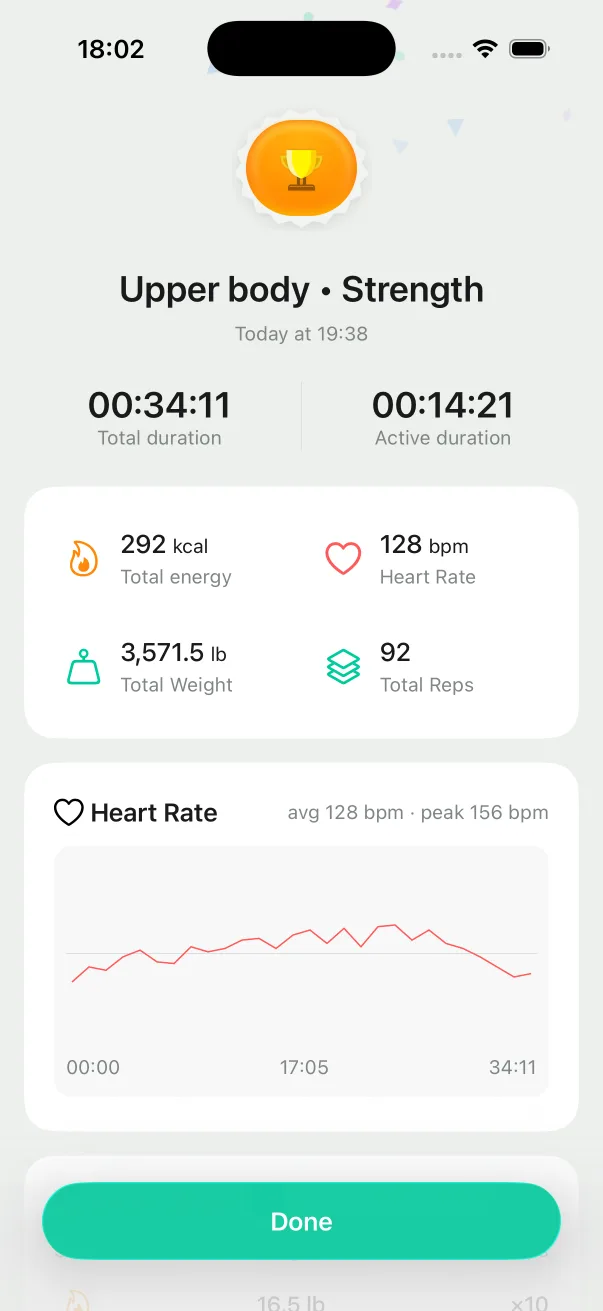
See what today's workout added up to, then follow the direction of your health over time.See your latest workout alongside a longer-term wellness trend. Biological Age draws on available Apple Health and Apple Watch data.
Completed workout
Biological Age
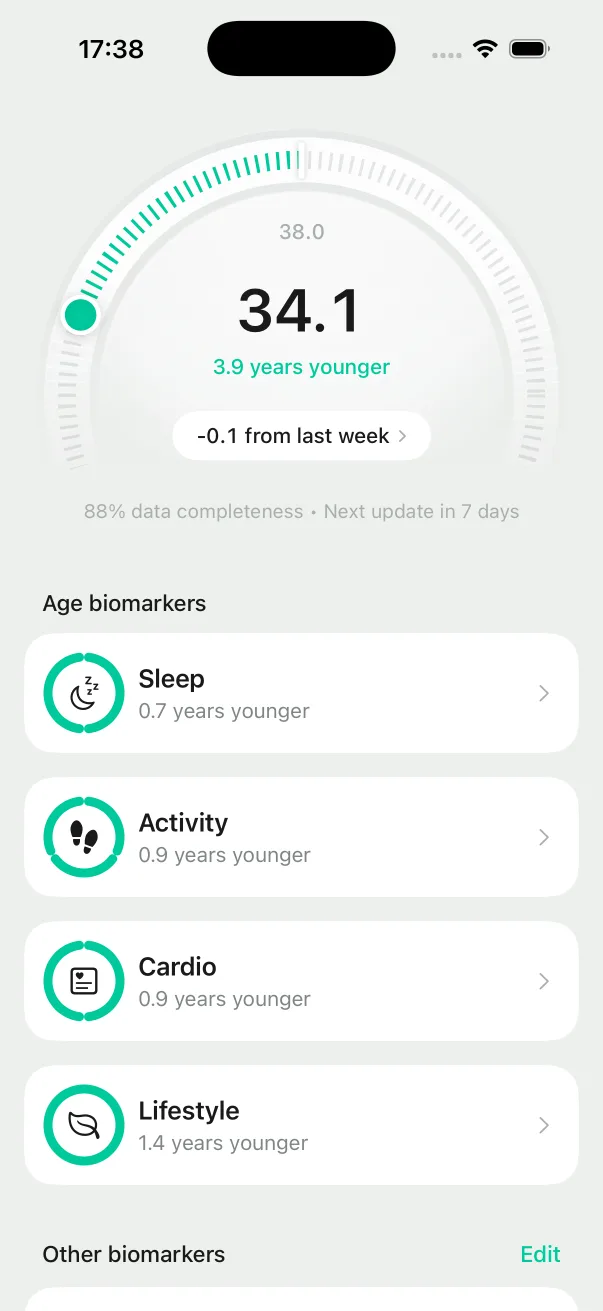
A directional estimate, not a complete measure of health or a diagnosis.
Why we built Dorsi
Dorsi turns what today allows into an effective step toward the longer term.People want to become stronger and healthier, but real life makes consistency difficult. Dorsi helps turn what you can do today into a useful step toward the longer term.
Read the founder storyStrength now. Health over time.
Strength training is where Dorsi begins—not where better health ends.
Today: strength planning, training, progress, and supported health signals.
Before your first workout
Dorsi picks up from what you’ve already completed and works with the time, place, and equipment you have right now. It finds the next effective step without erasing your history or losing sight of your long-term goal.
Yes. You can use Dorsi with just an iPhone. Apple Watch adds the convenience of following and logging workouts from your wrist, previewing movements, and training without reaching for your phone.
Biological Age gives you a directional view of whether your broader health trend is moving in the right direction. It draws on the signals you make available, including activity, cardio fitness, sleep, lifestyle, and strength training. You choose what Dorsi can access through Apple Health. It is not a complete measure of health or a diagnosis.
Your trial lasts 3 to 7 days, depending on the offer shown when you subscribe. You won’t be charged when the trial begins. Billing starts only after it ends unless you cancel beforehand. The App Store shows the exact trial length, price, and renewal terms before you confirm.
Not yet. Dorsi currently supports iPhone and Apple Watch. Our current targets are Q4 2026 for Garmin, Oura, and WHOOP data support, and Q1 2027 for Android phones and wearables. Roadmap timing may change. If one of these matters to you, email us at hi@dorsi.fit. Your feedback helps us decide what to bring forward.
Dorsi is built for healthy adults who already have some strength-training experience and want a plan without having to program every session themselves.
No. Dorsi is a general wellness and strength-training product. It does not diagnose conditions or provide medical or rehabilitation guidance. If you feel pain, stop training. Never train through it.
Strength for today. Health for the years ahead.
Strength for today. Health for the years ahead.
Available on iPhone and Apple Watch